Development Info
- Merge Request: https://invent.kde.org/plasma/plasma-systemmonitor/-/merge_requests/427 Merged Target Release: Plasma 6.7.0
Coming from Windows, one of the shortcuts I used most frequently was Ctrl+Shift+Esc to immediately bring up the task manager’s process list. I wanted to replicate this exact workflow on my Plasma desktop.
To make this possible, I’ve implemented a change that adds all default pages of Plasma Systemmonitor as desktop actions. This allows for easy configuration of keyboard shortcuts for specific views.
This change enables several workflows:
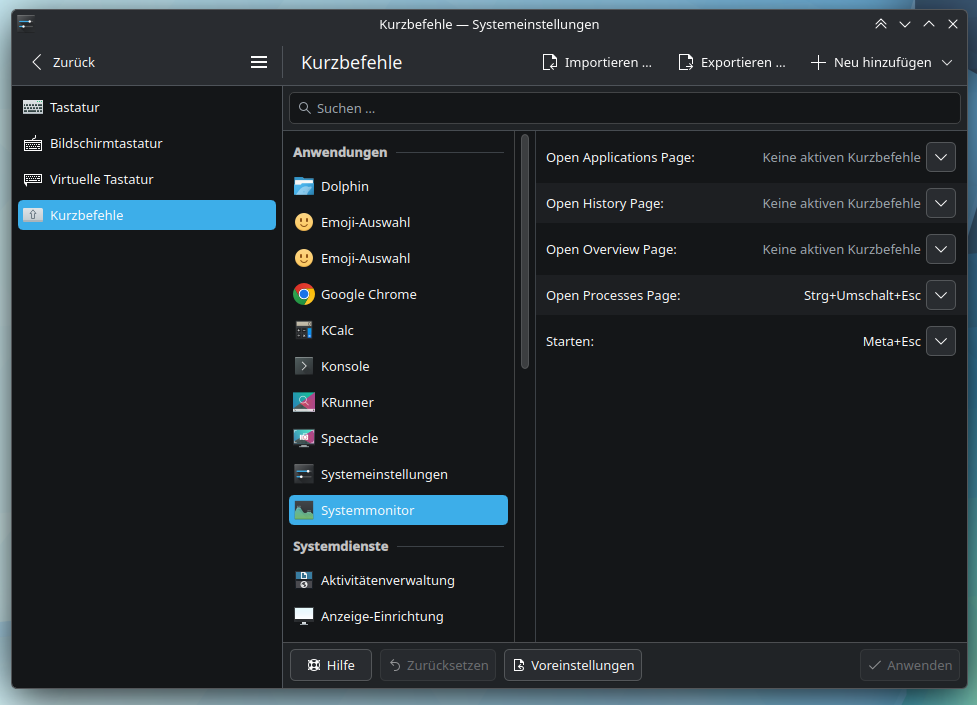
- Global Shortcuts: You can now assign any key combination to specific pages (like Processes, Overview, or History) directly via the System Settings.
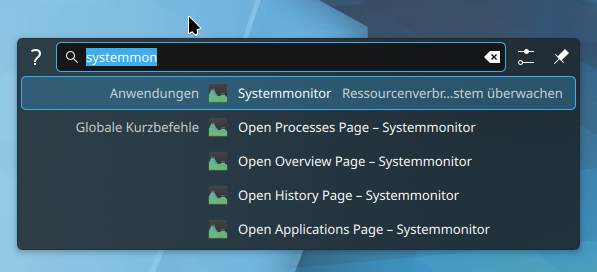
- KRunner Launching: These actions are now discoverable via KRunner, allowing you to jump straight to the page you need. This discovered a bug in D-Bus path sanitization.
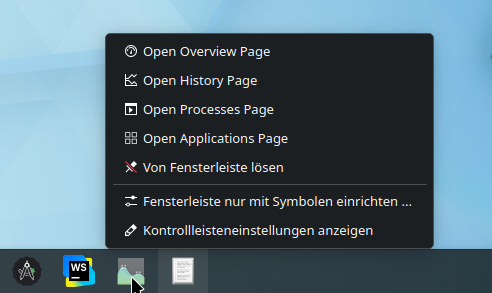
- Taskbar Integration: The actions appear in the context menu of taskbar icons, providing quick access to different monitoring views without first opening the main window.