Development Info
- Merge Request: https://invent.kde.org/friedreich/kwin/-/compare/master...work%2Femoji?from_project_id=2612 Work in Progress
I want to easily type emojis on my laptop and noticed that the current plasma-emojier is a standalone application which only copies the emoji to the clipboard. My goal was to type emojis directly into the application I’m using. This is a much faster and more seamless workflow.
To achieve this goal I looked into preexisting solutions in KDE and found KEmoji, a KDE Frameworks library for emojis. I also looked into how other compositors handle this and found that implementing it as a KWin plugin would be a good solution.
From Standalone App to KWin Plugin
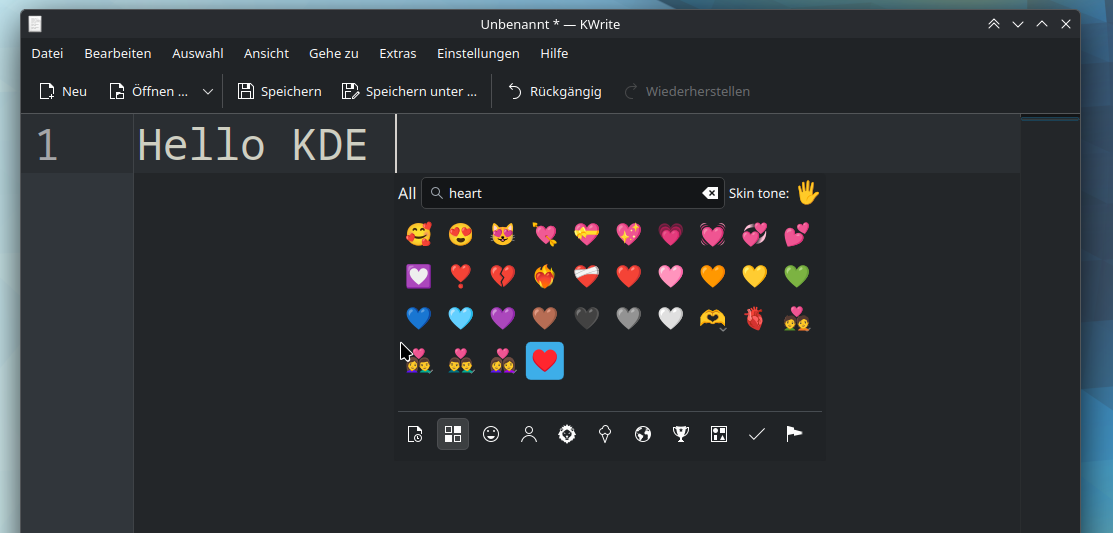
By moving the emoji picker into KWin, we can safely bypass Wayland’s strict input isolation. The new picker is implemented as a KWin internal overlay effect, acting as an extension of KWin’s input handling.
Key Features:
- Cursor Alignment: KWin queries its internal
zwp_text_inputstate to retrieve the exact cursor geometry of the focused surface, allowing the overlay to open exactly where you are typing. - kemoji Library: We’ve adopted the new KDE Frameworks library,
kemoji, for the backend. This provides unified models and data for emojis, search, and history. - Secure Injection: Upon selection, KWin calls
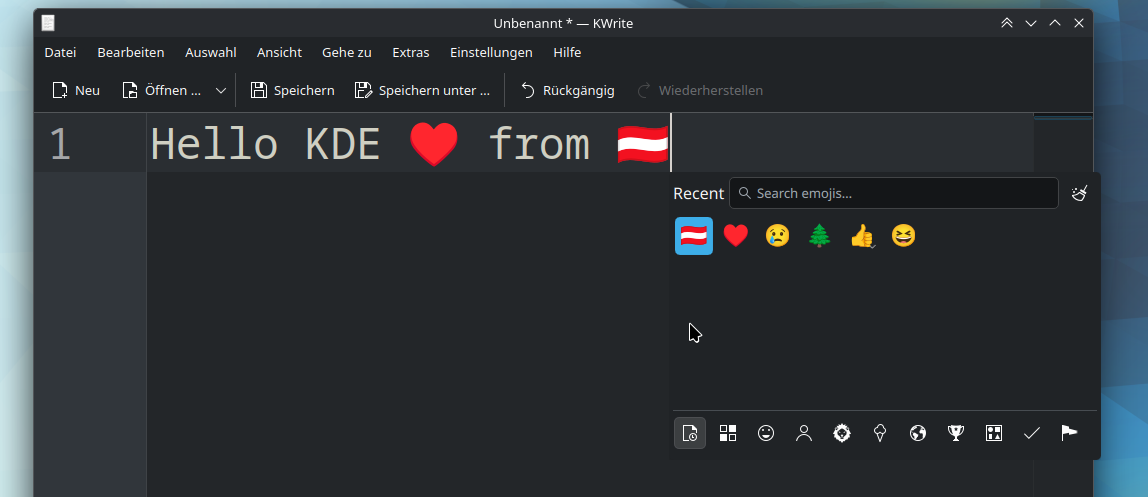
InputMethod::commitString()to safely inject the emoji into the active text buffer. - Input Interception: Keyboard events are temporarily routed to the overlay’s search field without stealing focus from the target application, preventing flicker or glitches.
The picker can be easily triggered using Meta + . (period) and allows you to search for emojis and insert them into the active text buffer.